Approx. 5–20 mm
Automatically detects tyre contact across this starting gap.

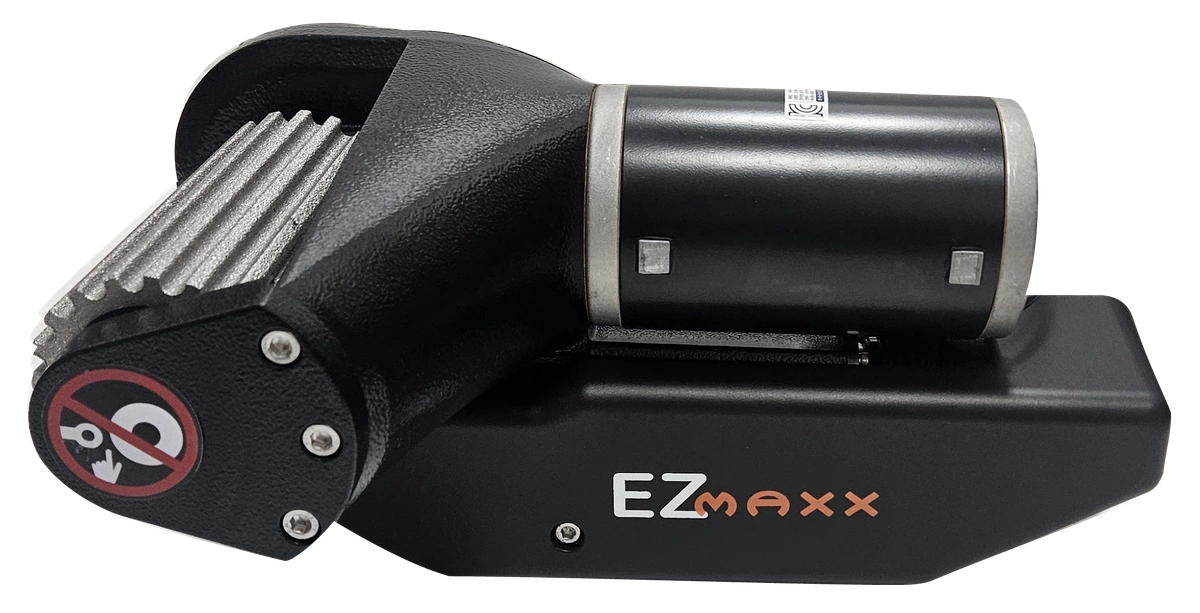
EZMAXX CARAVAN MOVER

EZMAXX senses roller-to-tyre contact force and adjusts engagement automatically across a starting gap of approximately 5–20 mm.
SIX KEY FEATURES
Consistent contact force from a starting gap of approximately 5–20 mm.
02Direction, acceleration and deceleration.
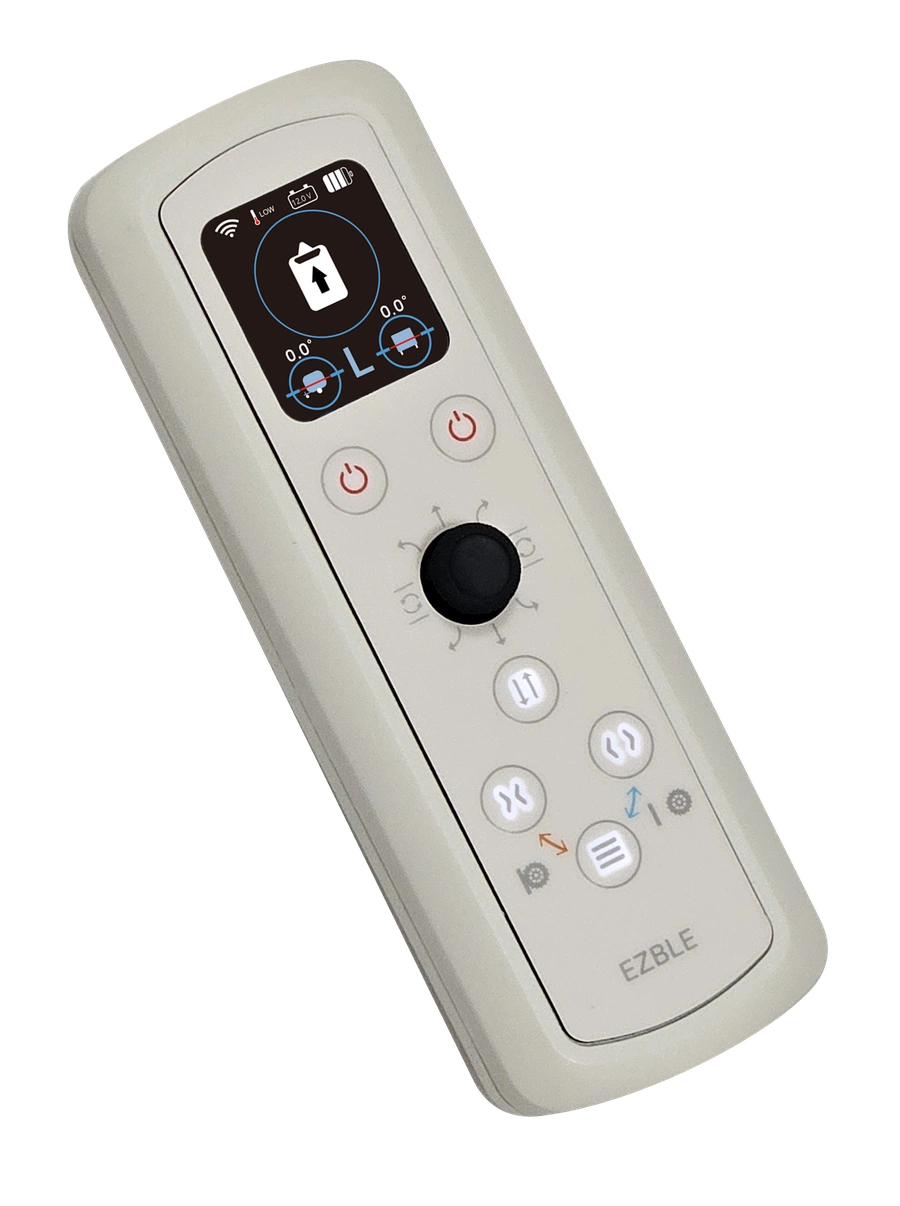
03Live caravan status on a colour display.
04Side-to-side and front-to-back tilt in 0.1° steps.
05Ready to control within 1 second after boot-up.
06Checks key operating states and alerts you to detected faults.
FORCE-SENSING AUTO ENGAGEMENT
EZMAXX senses the contact force between roller and tyre to adjust engagement automatically and apply consistent force.
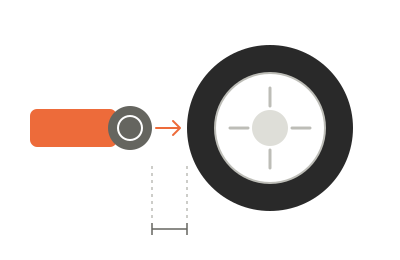
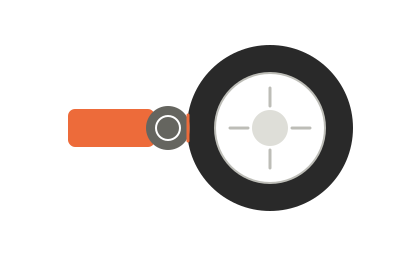
Automatically detects tyre contact across this starting gap.
Changes in the starting gap are accommodated within this range, without readjusting the reference position.
Adjusts engagement force to reduce excessive pressure on the tyre.
DIGITAL LEVEL GAUGE
Numbers and graphics show your caravan’s side-to-side and front-to-back tilt on one screen.
Side-to-side and front-to-back tilt are displayed in 0.1° increments.
0.1° is the display resolution, not a stated measurement accuracy.
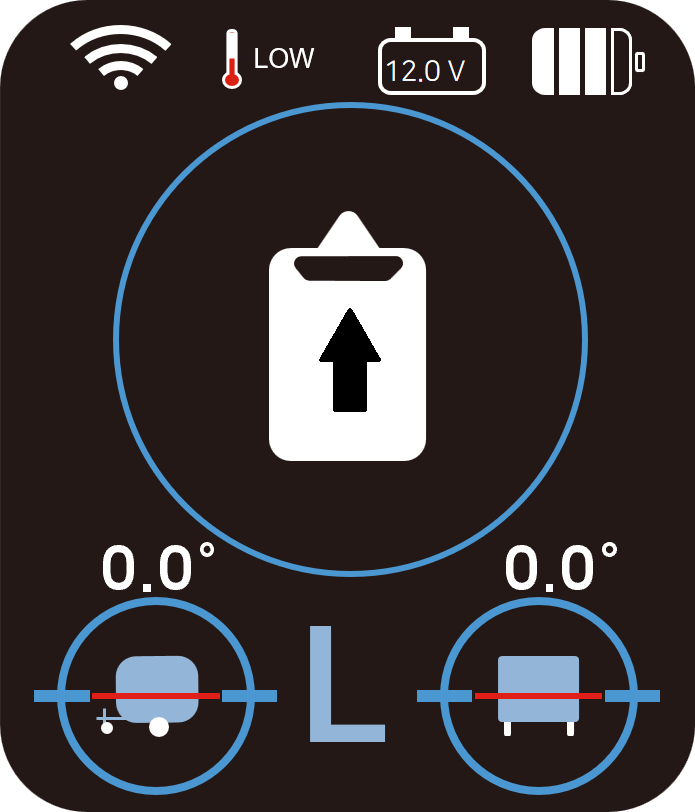 Actual handset display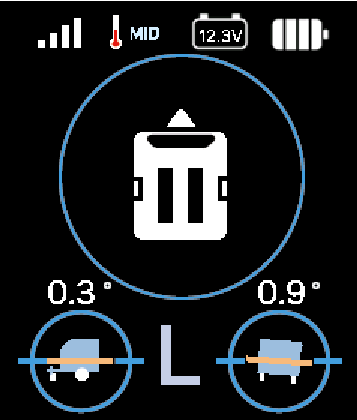
Keep the handset with you while levelling. Watch the side-to-side tilt (roll) and front-to-back tilt (pitch) readings change as you adjust, right where you are working.
INTERACTIVE ILLUSTRATION
An illustration of side-to-side tilt (roll) and front-to-back tilt (pitch). Not connected to a caravan or sensor.
Adjust the two axes
SMART CONTROL
01 / Direction, acceleration and deceleration
Use one joystick to choose your direction and adjust your speed. Accelerate and slow down smoothly as you make small adjustments to the caravan’s position.
02 / Two-way communication · real-time monitoring
Two-way communication sends your commands to the controller and brings caravan status back in real time. See voltage and tilt in both directions on the colour display, with clear numbers and graphics.
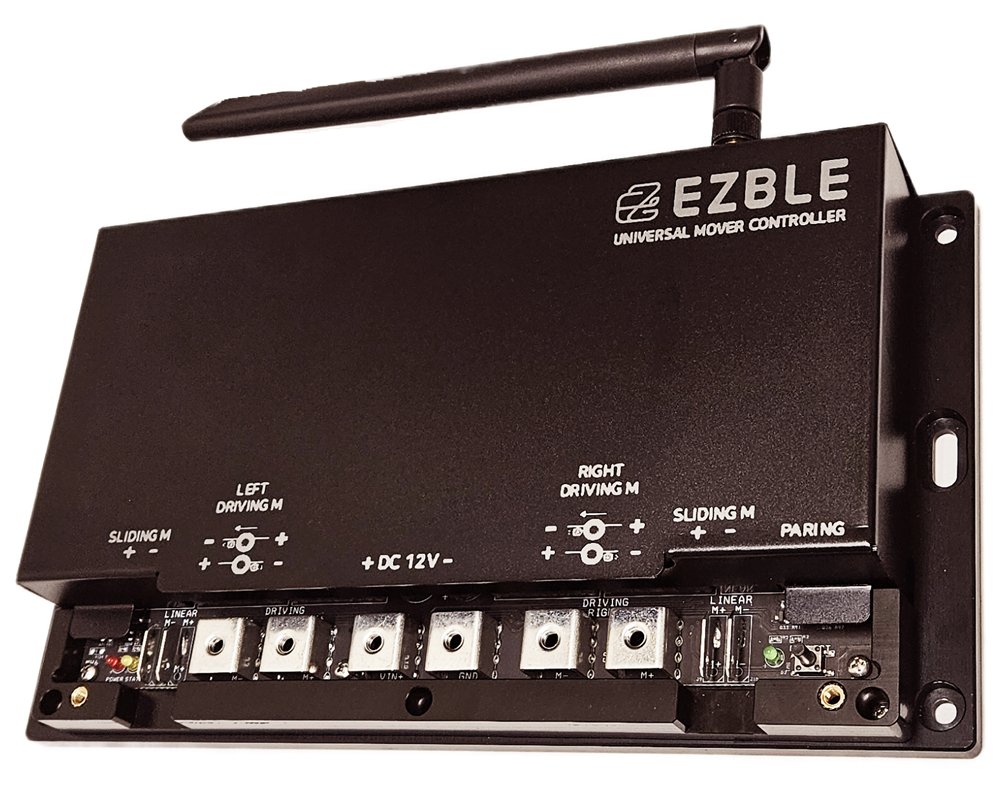
03 / Ready to control within 1 second after boot-up
Your previously configured handset and controller reconnect automatically. Once boot-up is complete, the system is ready to control within 1 second, without a separate pairing step each time.
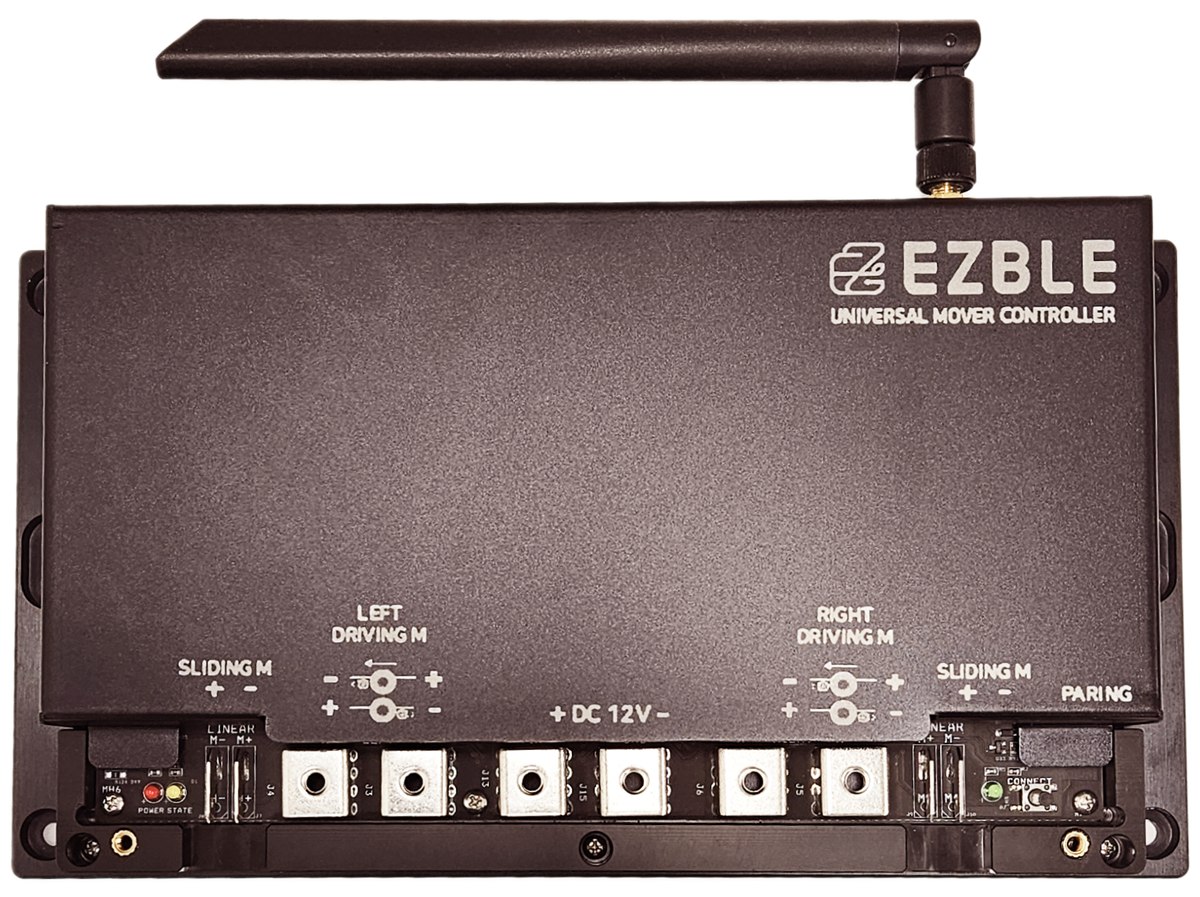
04 / State checks · drive protection · audible alerts
The controller checks key states before and during operation. When it detects a fault, it can limit drive and sound an alert at the controller, according to the fault condition.
EZMAXX SYSTEM
EZBLE develops the controller, handset and control software.
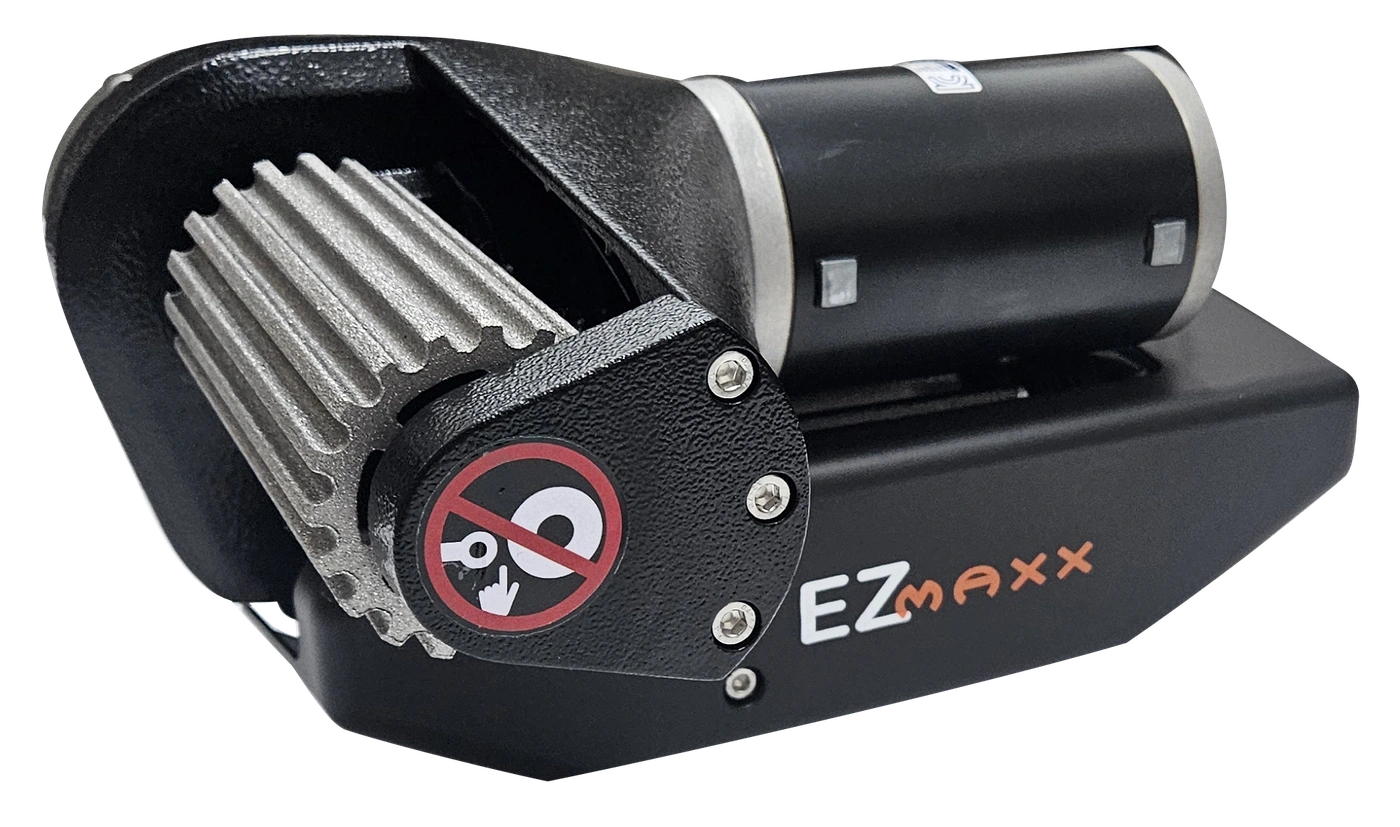
Caravan drive
Choose from Single and AWD models to suit your caravan.
Control, feedback and self-diagnostics
Drives the mover, sends live status to the handset and checks key operating states.
Control and real-time monitoring
Joystick control, a colour display, real-time monitoring and USB-C charging in one handset.
PRODUCT DETAILS
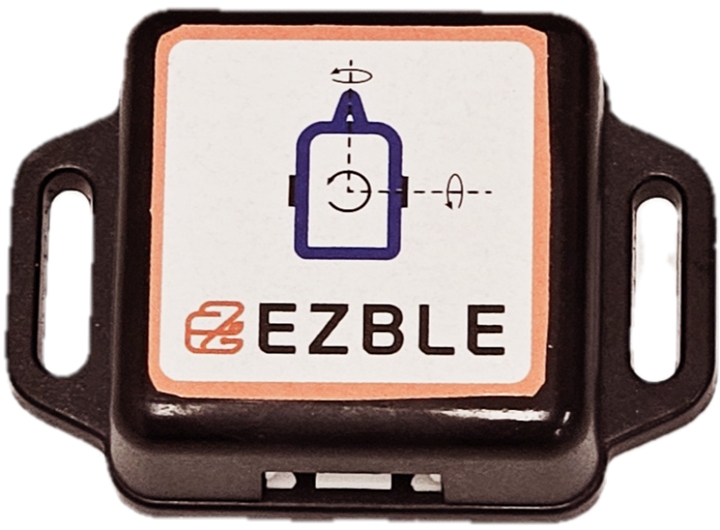
TILT SENSOR
The sensor measures side-to-side tilt (roll) and front-to-back tilt (pitch). Check both readings on the handset as you adjust the caravan’s level.
Use suitable equipment to adjust the level manually. Corner steadies stabilise the caravan; they are not lifting jacks.
CONTROLLER SETTINGS
The controller supports adjustable settings for the mover system.
Configurable controller settings
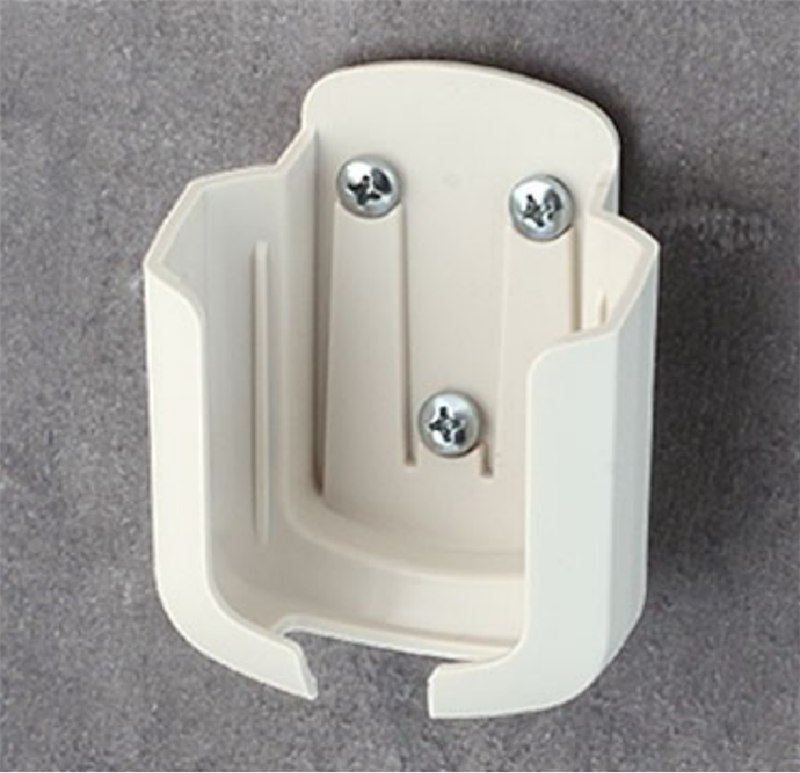
WALL HOLDER
Put the handset in its supplied wall holder when you’re finished, ready to pick up next time.
Wall holder supplied as standard

USB-C CHARGING
Recharge the handset through its USB-C connection.
USB-C rechargeable handset

CARAVAN POSITIONING
Stand beside your caravan where you can see its movement and the surrounding space. Once parked, use the handset’s side-to-side and front-to-back tilt readings to help you level it.
MODEL COMPARISON
Selection depends on caravan weight, axle configuration, installation space and operating conditions.
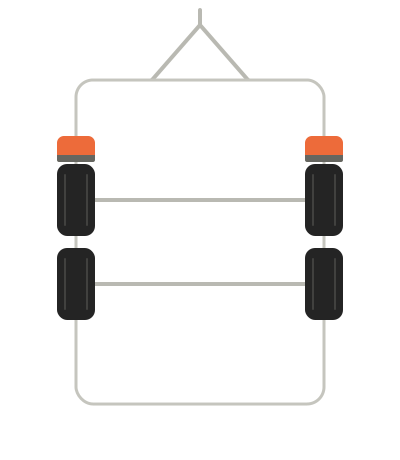
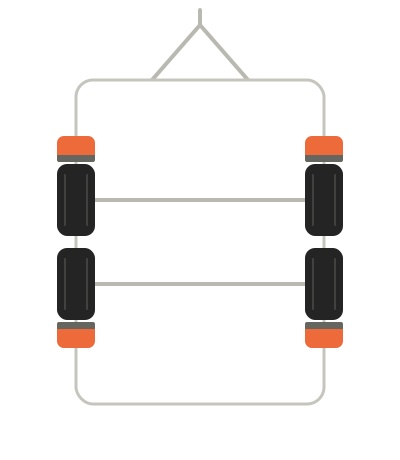
Twin axle caravans can be fitted with two or four motors.
2 motors
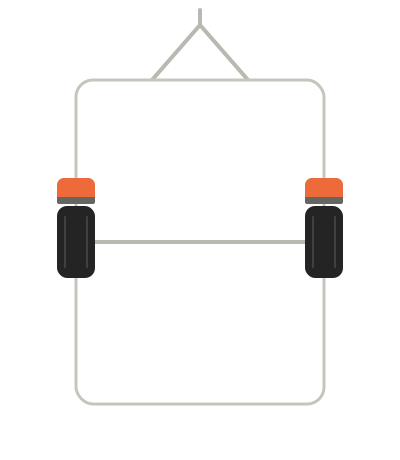
2 motors
4 motors · AWD
| Specification | EZMAXX Single | EZMAXX AWD |
|---|---|---|
| Axle configuration | Single axle | Twin axle |
| Number of wheels | 2 | 4 |
| Number of motors | 2 | 4 |
| Travel speed | 14 cm/s | 14 cm/s |
| Product weight | 34 kg | 66 kg |
| Moving capacity · level ground | 2,500 kg | 3,000 kg |
| Moving capacity · 15% gradient | 2,100 kg | 2,400 kg |
| Moving capacity · 20% gradient | 1,900 kg | 2,300 kg |
| Operating voltage | 12 V | 12 V |
Product specifications from EZBLE literature. Suitability depends on the caravan and installation. Gradient (%) is not an angle in degrees (°).
EZBLE